A clear picture needs a clear conversation
A camera can capture the expression on an interviewee’s face, but the words still have to reach the audience. Traffic, a noisy room or a microphone positioned too far away can distract from a carefully framed shot. For a small production team, sound deserves a place in the plan before anyone presses record.
This guide looks at three everyday production situations: reporting on location, recording with a compact camera kit and working at a studio desk. The useful question is not which microphone looks most impressive. It is which arrangement lets the people speaking be heard clearly while the crew gets on with the story.
Let the location shape the microphone choice
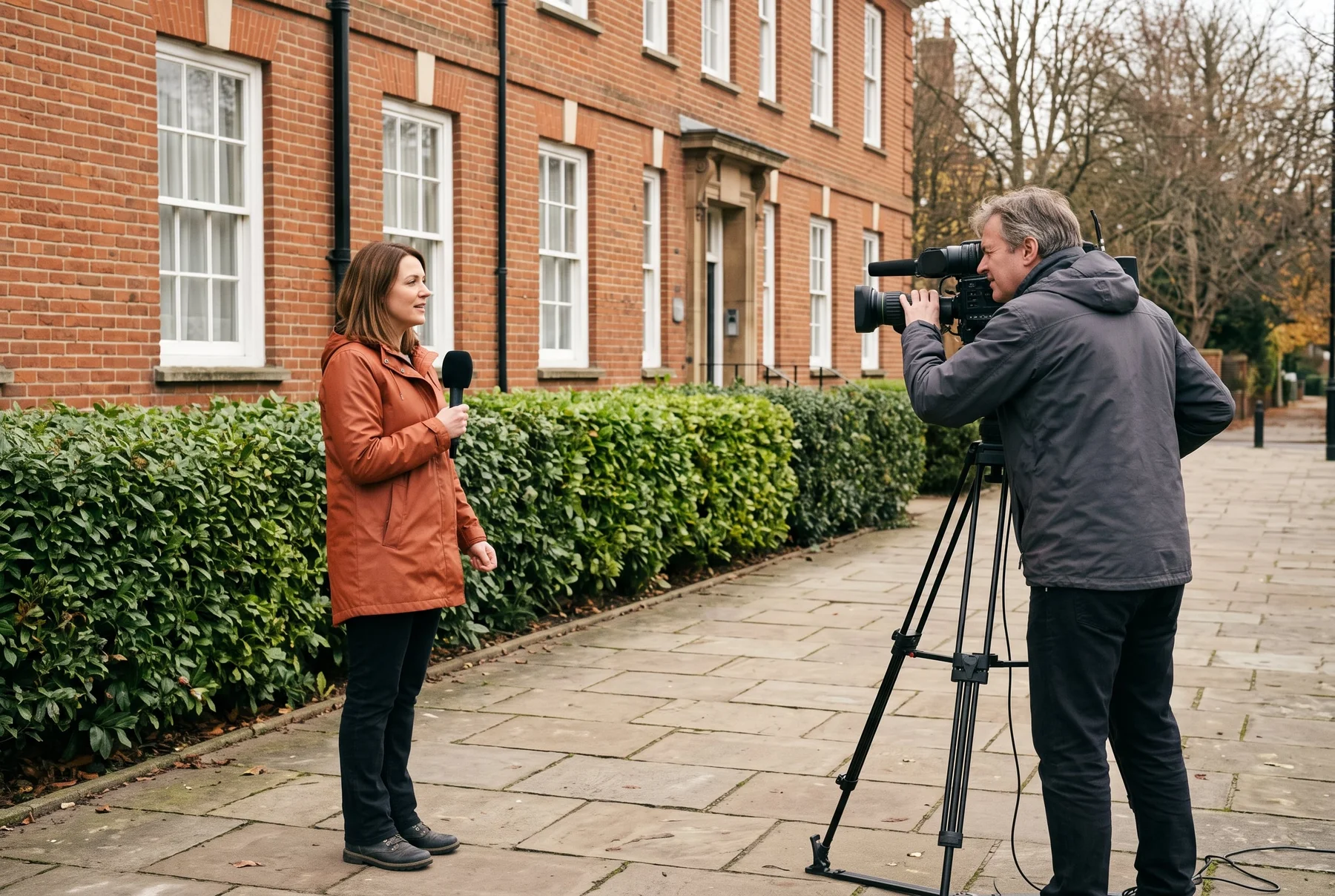
Before making a shortlist, write down who will speak, how far they will move and who will monitor the recording. An interviewer holding a microphone has different needs from a presenter walking through a location with both hands free. A camera recording an event from across a room creates another set of practical constraints.
Plan a brief rehearsal in the actual space. Listen through headphones, check the recording back and notice sounds that are easy to ignore while talking: ventilation, passing vehicles, clothing movement or a loose cable. A short test can reveal a positioning problem before it becomes part of the whole interview.
- For an interview: decide how the microphone will move between speakers.
- For a moving presenter: plan the microphone position and the route before recording.
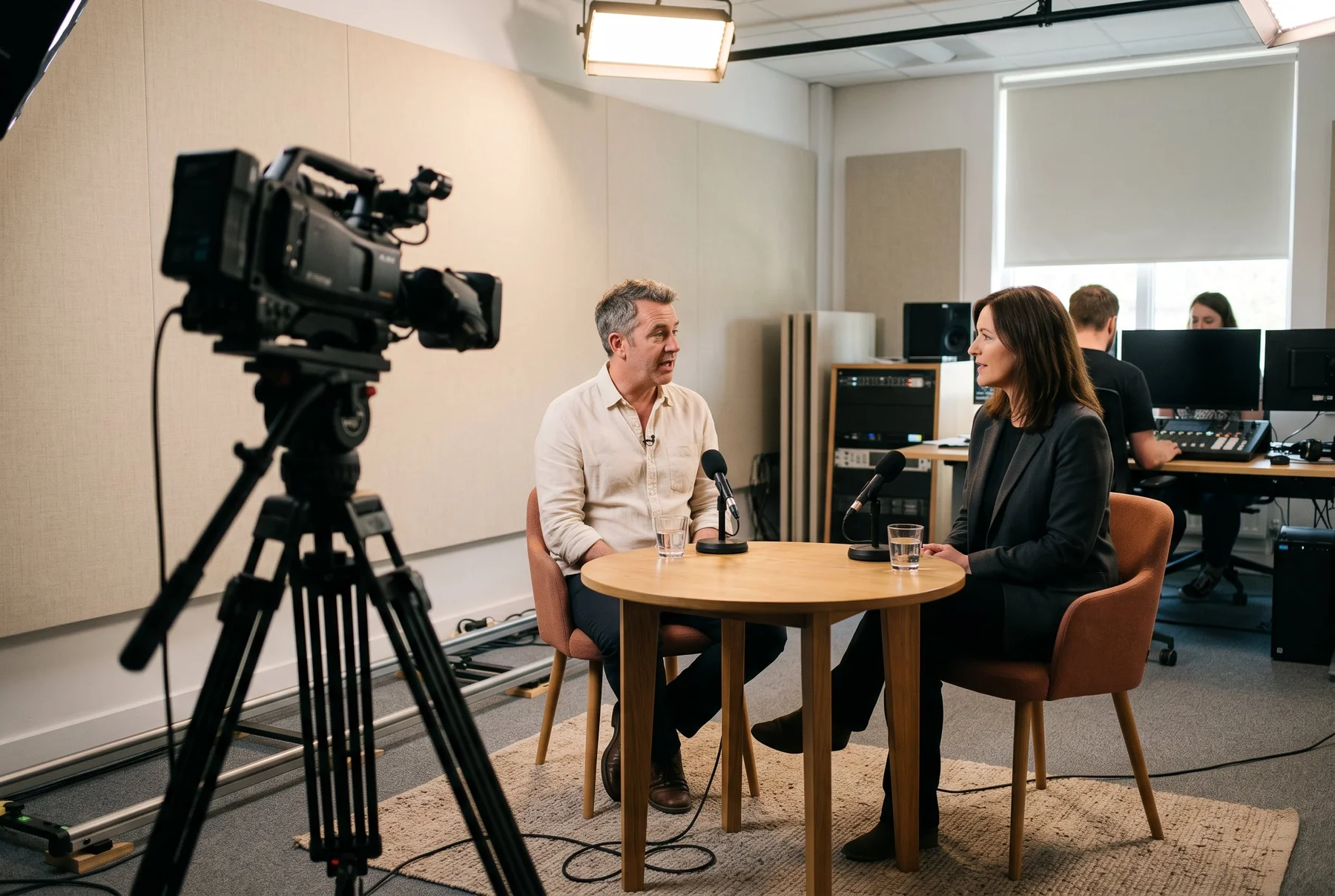
- For a desk or commentary position: check comfort, monitoring and the connection to the production system.
- For every setup: allow time to listen back, adjust levels and check the complete signal path.
Keep the camera workflow manageable
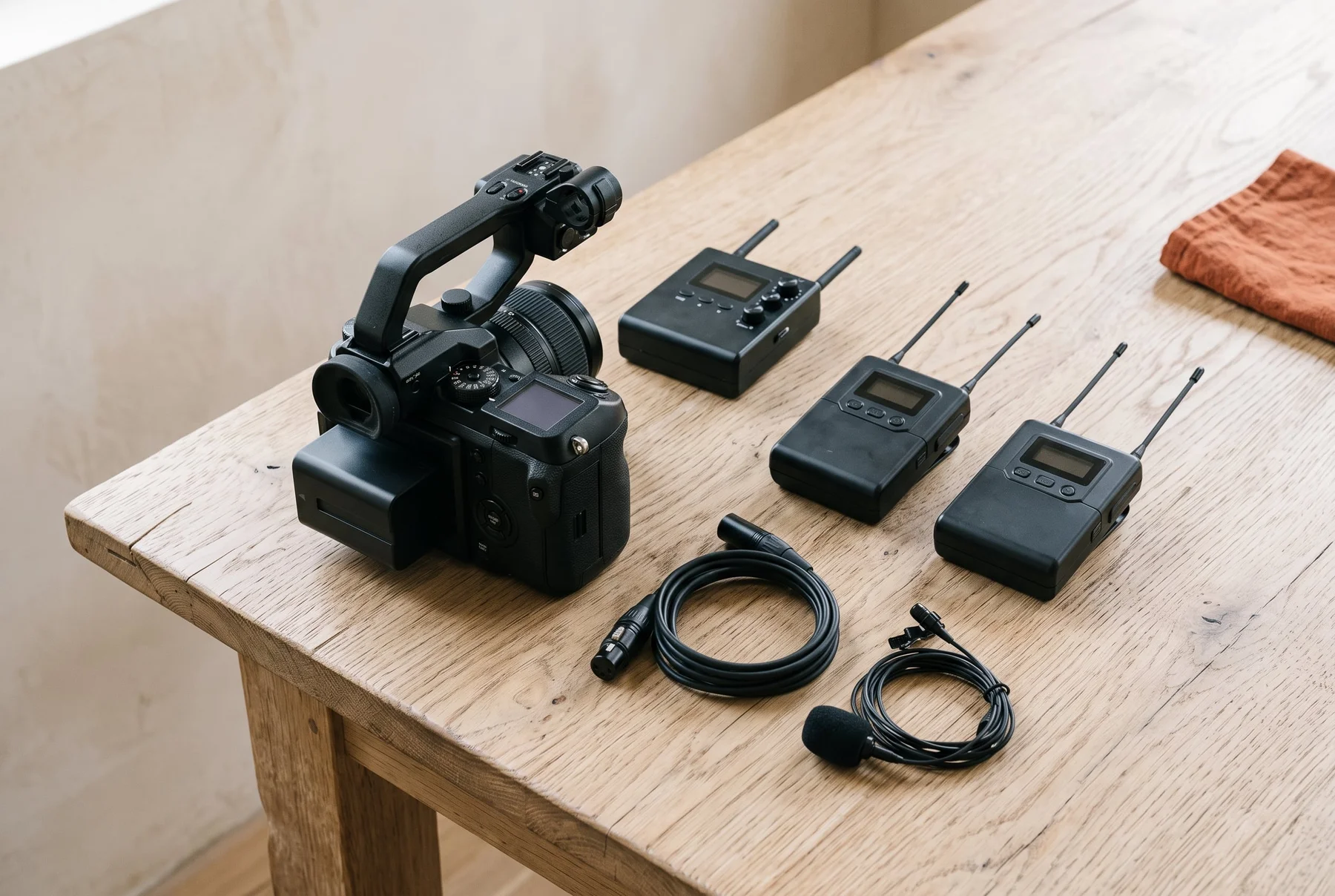
Wireless audio can give a camera operator more freedom to frame a moving subject. It also adds a transmitter, a receiver and a radio link to the setup. Think about where each piece will sit, how it is powered and how the receiver connects to your particular camera or recorder.
Sennheiser’s EW-DP family is a digital UHF wireless system developed for video production. The manufacturer describes a portable receiver, camera-mounting options, an OLED display and control through its Smart Assist app. These are workflow features to compare with your own equipment, rather than a promise that every kit will work with every camera.
Choose the exact set and frequency version before ordering. Check the included microphone, cables, mounting accessories and power arrangements on the product listing. Leave enough preparation time to learn the controls and make a test recording with the camera you actually intend to use.
In Britain, check the frequency as well as the model
A wireless microphone is not automatically licence-free because a retailer offers it to UK customers. Ofcom describes licence-exempt, shared licensed and coordinated arrangements for programme-making and special events. The applicable route depends on the frequencies and the intended use.
Ofcom’s UK Wireless Microphone Licence includes shared access to Channel 38 frequencies from 606.500 to 613.500 MHz. Shared access does not provide protection from other users. A coordinated licence is a different arrangement, associated with particular places and times. Check current Ofcom guidance for your proposed setup rather than treating a model name as licensing advice.
Before buying, ask the supplier to identify the frequency variant in writing. Before a shoot, check the venue’s requirements and coordinate with the person responsible for audio there. For a production using several radio channels, getting qualified sound support may be more useful than simply buying another system.
At the studio desk, listening is part of the job
A presenter or commentator may need to hear the programme feed while speaking into a microphone. A broadcast headset brings those tasks together, but the connection to the mixing desk or intercom still needs checking. Comfort also matters when a session lasts longer than the initial sound check.
The Sennheiser HMD 27 is a wired broadcast headset with closed, around-the-ear earcups and a dynamic supercardioid microphone. The manufacturer lists a microphone boom that can be used on either side and ActiveGard protection. The UK product page specifies that the cable is not included: choose the appropriate cable for the equipment at the other end.
Do not confuse the HMD 27 with the separately named HMDC 27 when comparing specifications. Features listed for one version do not automatically apply to the other. If a desk, recorder or intercom already forms part of your setup, send its exact model to the supplier and confirm the required connection before purchasing.

Budget for a working setup, not just one box
A useful shortlist includes everything needed to get the sound into the recording: the microphone, any transmitter and receiver, the correct connection, power and suitable mounting. Compare like-for-like packages. A lower headline price may cover fewer parts, while a larger bundle may include things you do not need.
For occasional work, a hire quotation can help you understand what a complete kit involves before committing to ownership. For regular work, consider how the equipment will be transported, checked and maintained. Keep a simple kit list and give someone responsibility for the final sound check.
| Before you choose | What to confirm |
|---|---|
| Camera or recorder | Input type, required cable and how you will monitor the recorded signal. |
| Wireless version | Exact frequency range, current Ofcom requirements and venue coordination. |
| What is in the box | Microphone, accessories, power and any components sold separately. |
| Total cost | Current UK quote, VAT treatment, delivery and the complete accessory list. |
Make the next recording your starting point
Write a short brief for the next production: location, number of speakers, camera or desk model, movement and recording duration. Use that brief when comparing the Sennheiser range or speaking to a supplier. It gives them something specific to check and makes it easier to distinguish a necessary feature from an attractive extra.
The link below opens Sennheiser’s UK broadcast catalogue. It is a starting point for product information and enquiries, not a fixed-price bundle or a guarantee of availability. Confirm the exact product version, current terms and suitability with the provider before ordering.
A few useful answers
Your questions.
Does this guide recommend a particular camera?
No. Cameras provide the production context here; the named commercial range is Sennheiser audio equipment. Check audio inputs and connection requirements against the camera or recorder you already use.
Can I use any wireless microphone without a UK licence?
No. Requirements depend on the operating frequencies and intended use. Check the exact product variant, current Ofcom guidance and venue arrangements before using a system.
What should I check before choosing a broadcast headset?
Confirm the microphone type, comfort, monitoring requirements and connection to your desk or intercom. Check the exact product listing for included accessories: the HMD 27 cable is sold separately.
Sources & further reading
Provider details checked on 2 October 2026. Prices, features and availability may change.
About this commercial guide
This is advertising content produced by foodiepizza. It helps explain a commercial offer and links directly to the named provider. Outbound links carry campaign labels. Any purchase, subscription, vehicle work or membership is arranged with the provider under its own terms.
This page does not establish a provider endorsement. Any applicable referral compensation is explained in our commercial-links disclosure. Calculations illustrate your inputs and do not promise savings. This article does not provide personal financial, immigration or vehicle-engineering advice.