Start with the place, not the specification sheet
Two people can look perfectly clear on a camera screen at home and almost disappear when they take the same setup outside after sunset. Move them to a football stand and the problem changes: their faces are close, but the action they want to show is a long way off. In a television studio, the light is controlled, yet filming may be restricted and the camera has to work without distracting anyone around it.
Those three settings make a useful buying test. You need a camera that can keep faces in focus, accept the lens the shot calls for and connect to the way you actually stream. You also need to allow for light, sound, power and permission. The camera body alone cannot solve all four.
1. On a woodland path after dark, bring your own light
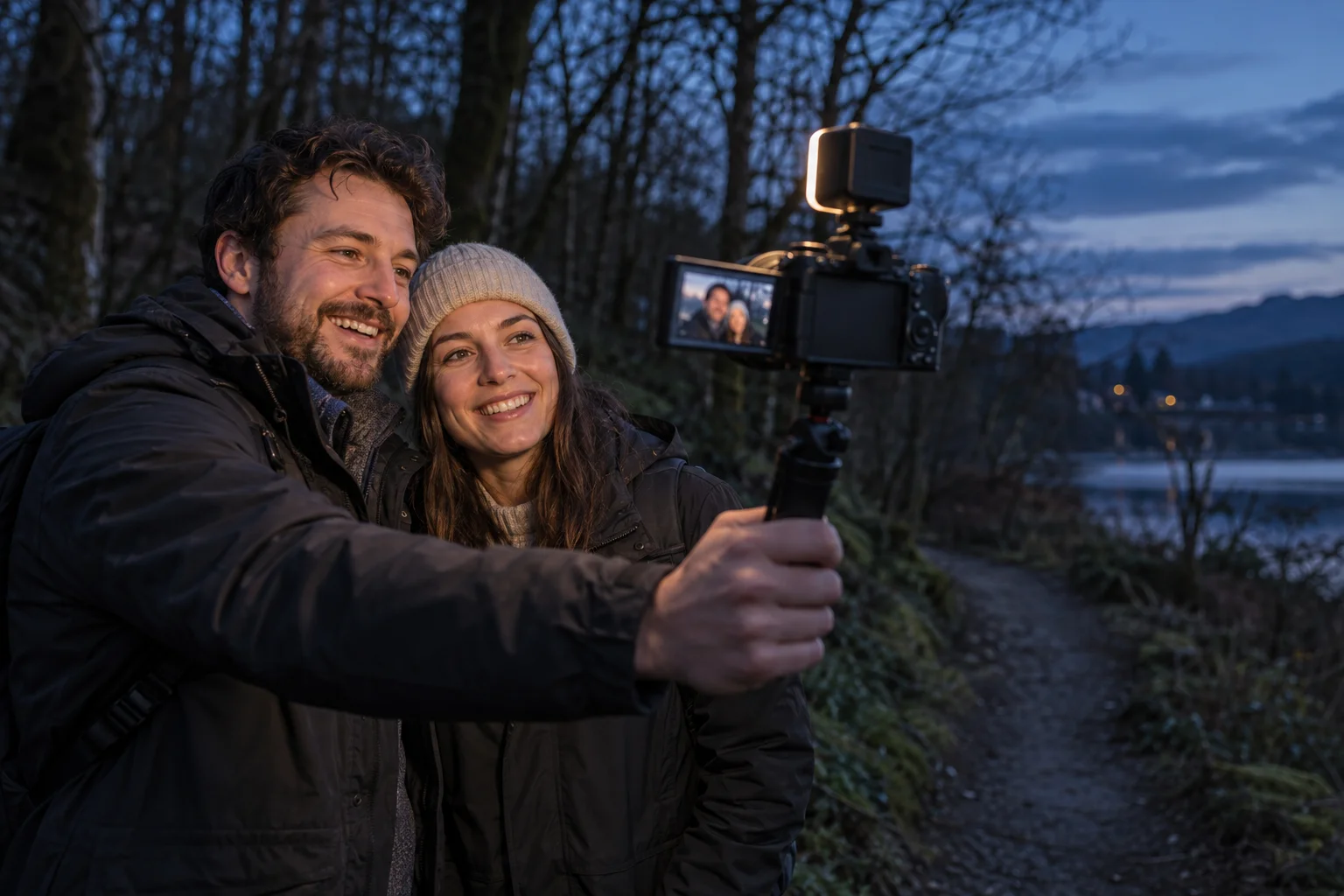
Imagine a couple walking through a wooded area and turning the camera towards themselves. The sky still has some colour, but their faces are in shade. Raising the camera's sensitivity may brighten the image and add visible noise. A small, diffused LED light placed near the lens will do more for their faces than a menu setting. A wider-aperture lens can help too, although it has to be bought separately from most basic kits.
The Sony ZV-E10 II has an APS-C sensor, face and eye autofocus and interchangeable Sony E-mount lenses. Those are useful options for an evening shoot, not a promise of a clean picture in complete darkness. The 16–50 mm kit lens has a maximum aperture of f/3.5 at its widest setting and f/5.6 at the long end. Check the actual light and exposure before going live, and keep the path safe and visible to the people walking.
2. At a football ground, decide what the viewer should see
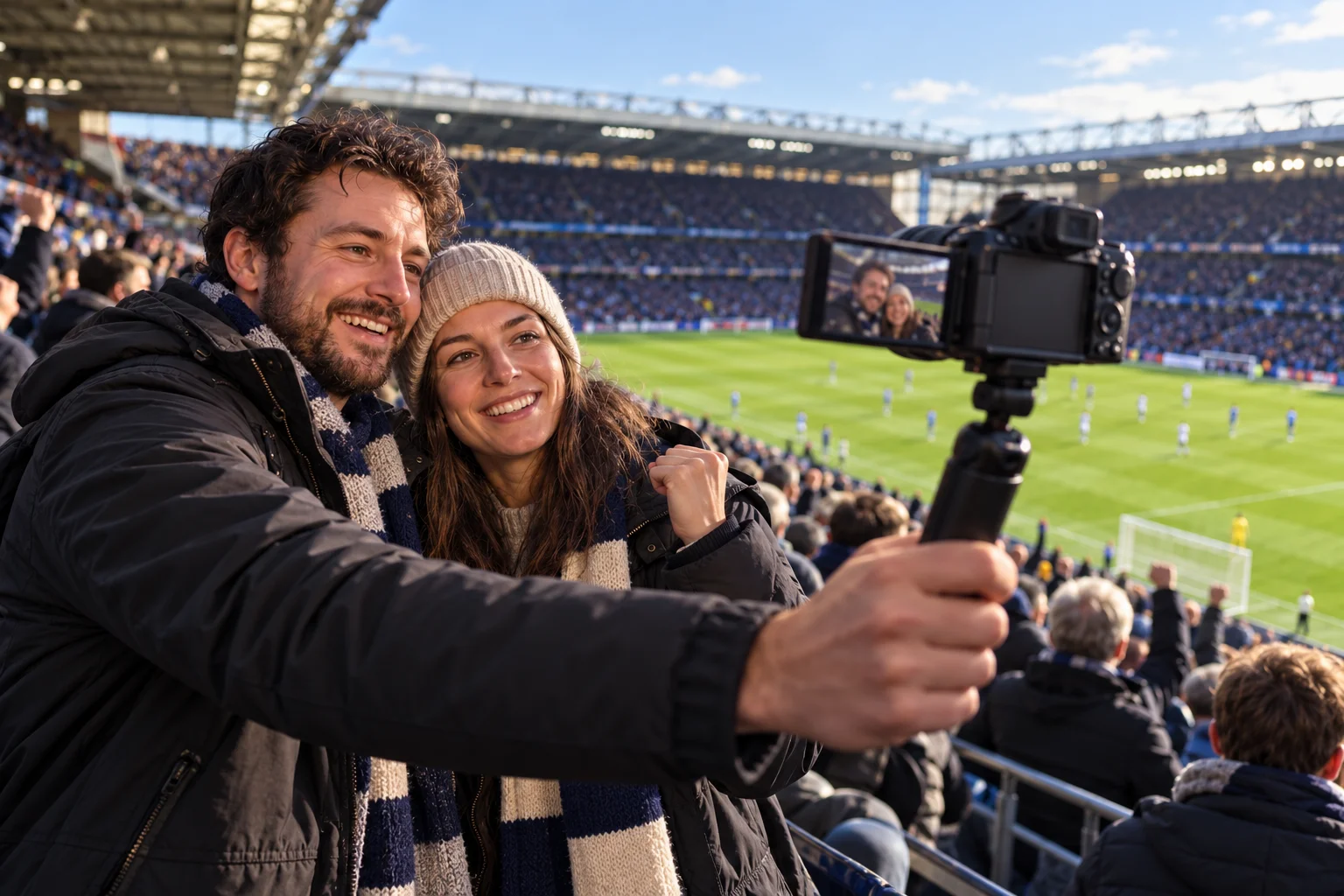
From the stands, a wide shot can show the two presenters, the crowd and the pitch behind them. That is a sensible job for a compact 16–50 mm zoom. If the point of the stream is a player on the far side of the field, the same lens will leave that player small in the frame. You would need a suitable longer lens and a steadier shooting position. Check the added cost and weight before treating a kit camera as a complete sports setup.
The more immediate problem may be the venue. Crowd noise can overwhelm speech, mobile reception can weaken when thousands of people are connected, and a ticket does not necessarily permit live broadcasting. Check the ground's camera and streaming rules, the event rights and your connection before planning the stream. Record a short audio and upload test where filming is allowed.
3. In a TV studio audience, work within the production's rules
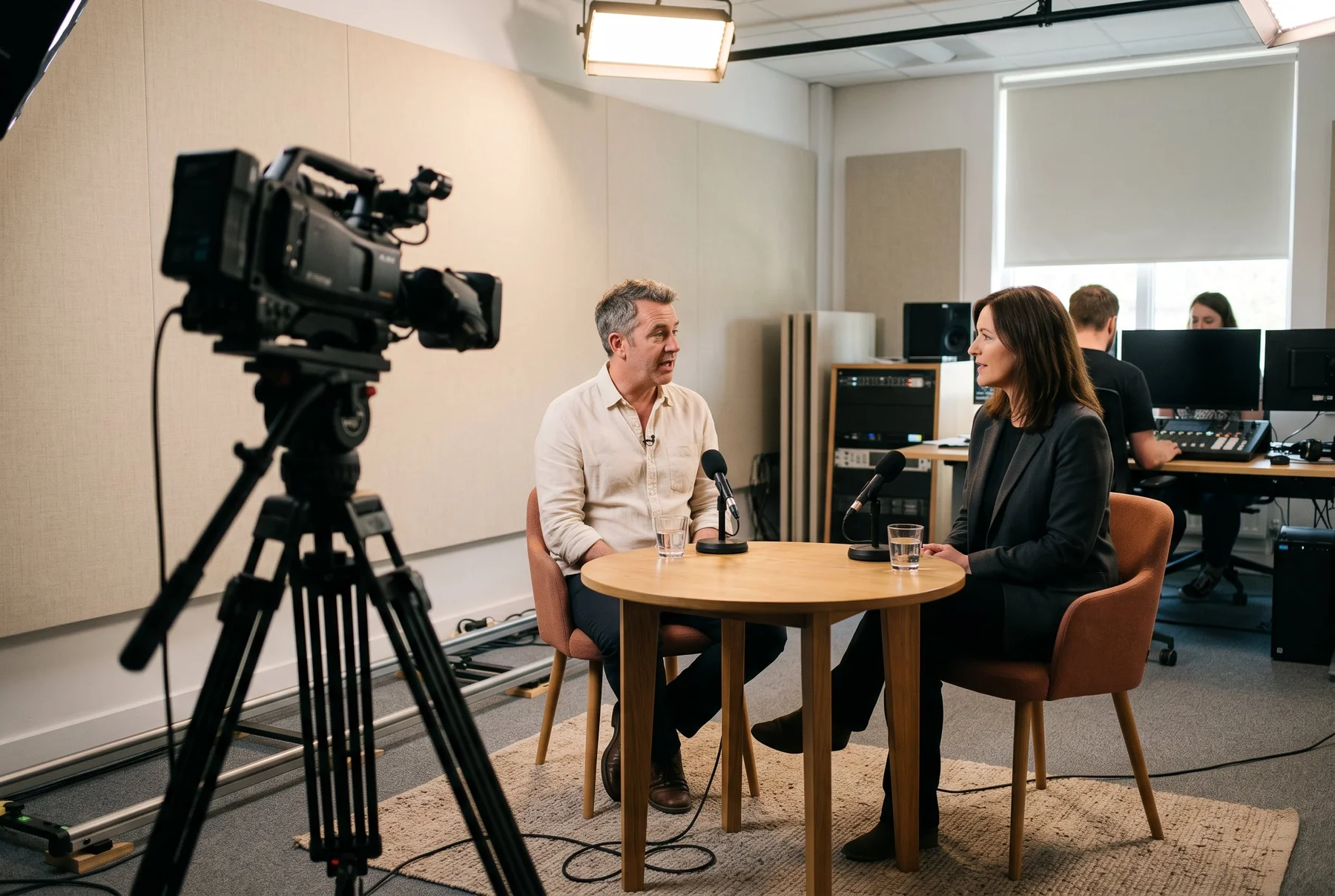
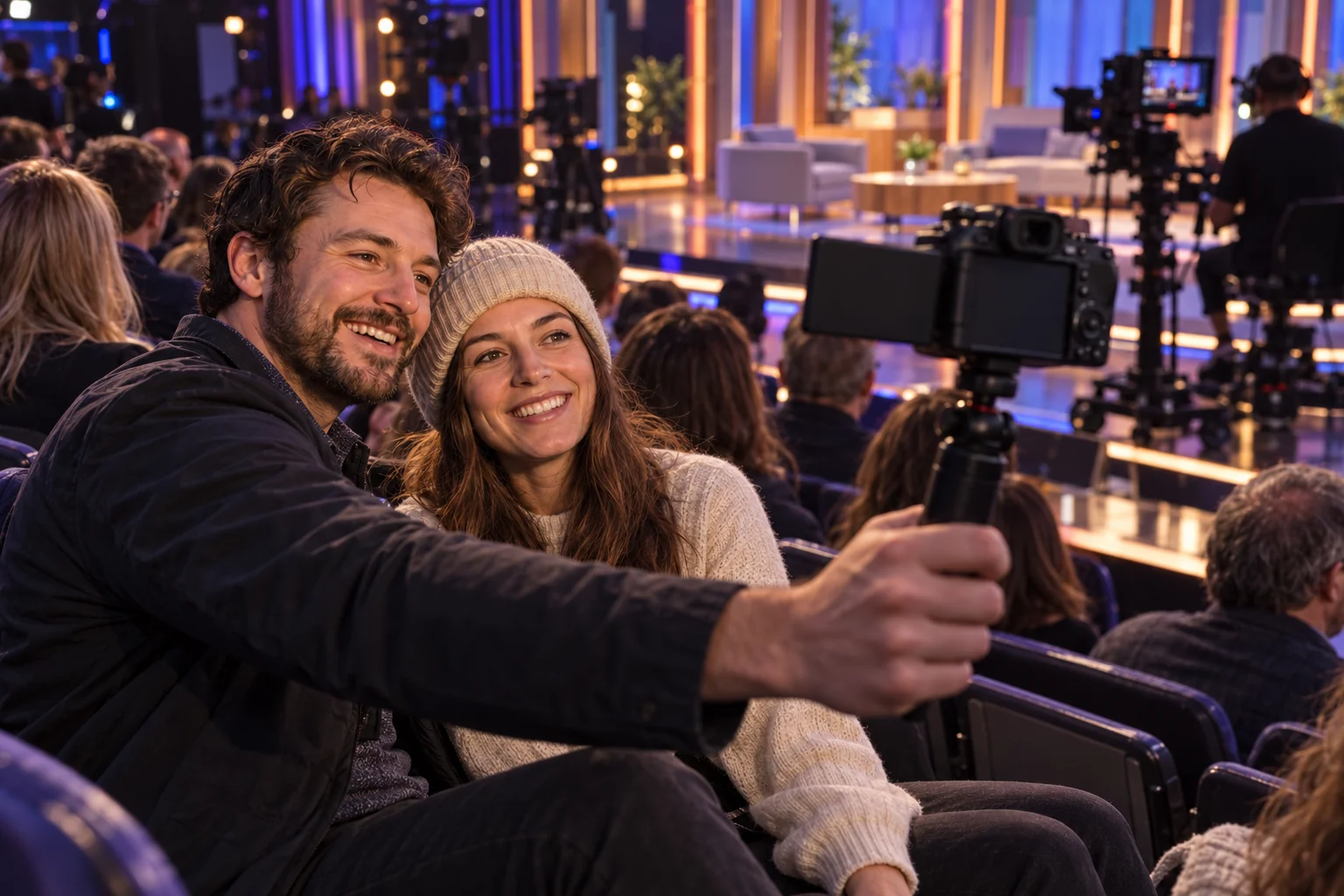
Suppose the same pair are invited to sit with other creators in the audience of a British talk show. There may be a few minutes before the show when the production allows them to make their own short clip. The stage lights can look bright while their seats remain comparatively dark, and a screen turned towards them makes framing easier. Face autofocus is helpful when they lean together or turn towards the set.
Permission comes first. Many productions prohibit photography, recording or live streaming in the audience, even when guests are invited. Ask the organiser what may be filmed, when and where it may be posted. If a clip is allowed, use a compact setup, keep the screen brightness and any lamp appropriate to the room, and use a separate microphone only if the production permits it.
What the Sony kit covers, and what it does not
Jessops lists the Sony ZV-E10 II with a 16–50 mm power zoom lens as a UK retail kit. Sony documents USB streaming, a flip-out screen, microphone and headphone connections, and USB power support. That combination makes the kit a practical starting point for a close-up stream or a controlled indoor setup. For USB video at HD or 4K settings, Sony says to use a compatible SuperSpeed USB connection and cable; USB 2.0 limits the output to HD 720p.
The kit does not include a solution for every scene. Add a small light and suitable audio for the dark path, consider a longer lens if the match itself must fill the frame, and confirm filming permission before taking it into a stadium or studio. If you plan to stream through a phone, computer or capture device, check that complete connection before buying accessories.
- Film yourself at arm's length: check framing, focus and a microphone close enough for speech.
- Film after sunset: test a light source and the actual lens you intend to use.
- Film distant action: price a compatible longer lens and support before choosing the kit.
- Stream from a venue: confirm recording rights, connection quality and the permitted equipment.
Buy for the stream you will make next
Choose one real upcoming shoot and write down the distance to your subject, the available light, the length of the session and the device that will send the stream. That short list tells you whether this kit covers the job or whether the missing light, lens, microphone or connection changes the budget.
The retailer link below opens the Sony ZV-E10 II 16–50 mm kit listing at Jessops. Check the current price, stock, included lens and delivery terms on the product page. The photographs in this guide illustrate situations; they are not sample footage from this camera.
A few useful answers
Your questions.
Will the kit lens give a clear picture in a dark forest?
It depends on the light. The 16–50 mm lens is not a substitute for lighting. Test a small diffused light and your intended settings before streaming after dark.
Can the 16–50 mm lens show distant football action?
It works better for a wide view of the presenters and ground. Distant players will be small; a compatible longer lens may be needed, subject to venue rules.
Can I stream from a TV studio audience?
Only if the production permits it. Ask the organiser about recording, live transmission, equipment and when any clip may be posted.
Sources & further reading
Provider details checked on 22 October 2026. Prices, features and availability may change.
About this commercial guide
This is advertising content produced by foodiepizza. It helps explain a commercial offer and links directly to the named provider. Outbound links carry campaign labels. Any purchase, subscription, vehicle work or membership is arranged with the provider under its own terms.
This page does not establish a provider endorsement. Any applicable referral compensation is explained in our commercial-links disclosure. Calculations illustrate your inputs and do not promise savings. This article does not provide personal financial, immigration or vehicle-engineering advice.